
How to manage trade jobs from your phone in five steps.
TeamDispatch is a field service workflow app for small trade teams. Book a job, dispatch it to the right person, and capture everything you need on site — all from the phone in your pocket. Here’s a day in the life of a tradesperson using TeamDispatch.
30 days free · from £30/month · cancel any time
Or get the mobile app
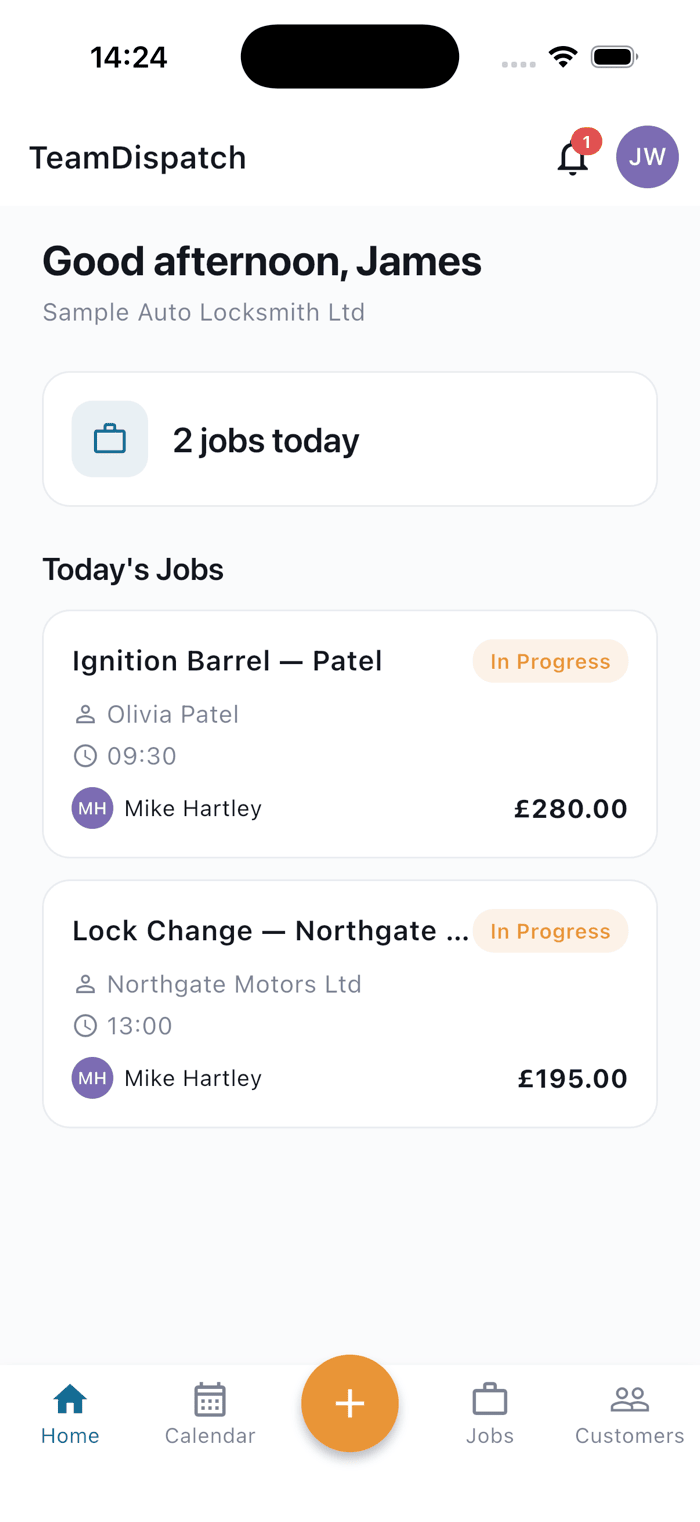
A job, from quote to complete.
Scroll through to see what happens at each stage. The phone on the left updates as you go.
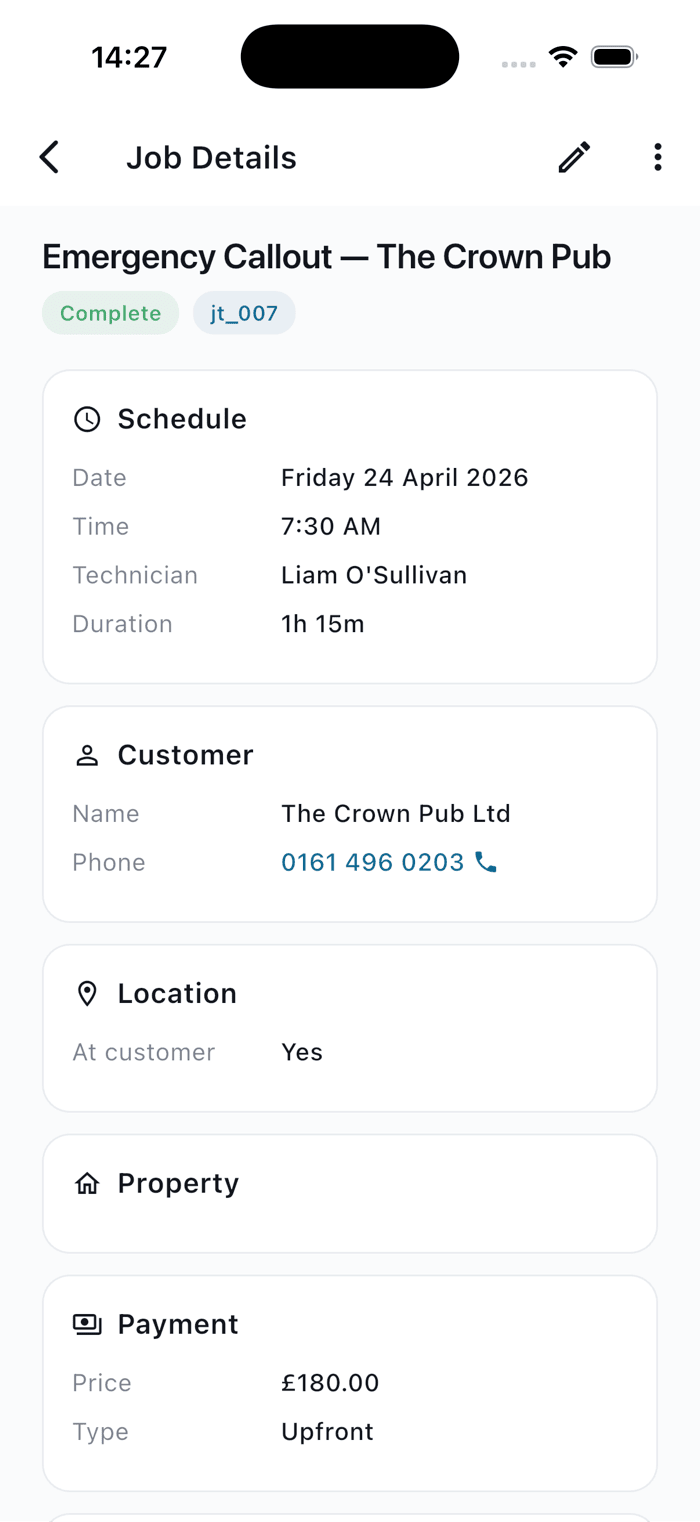
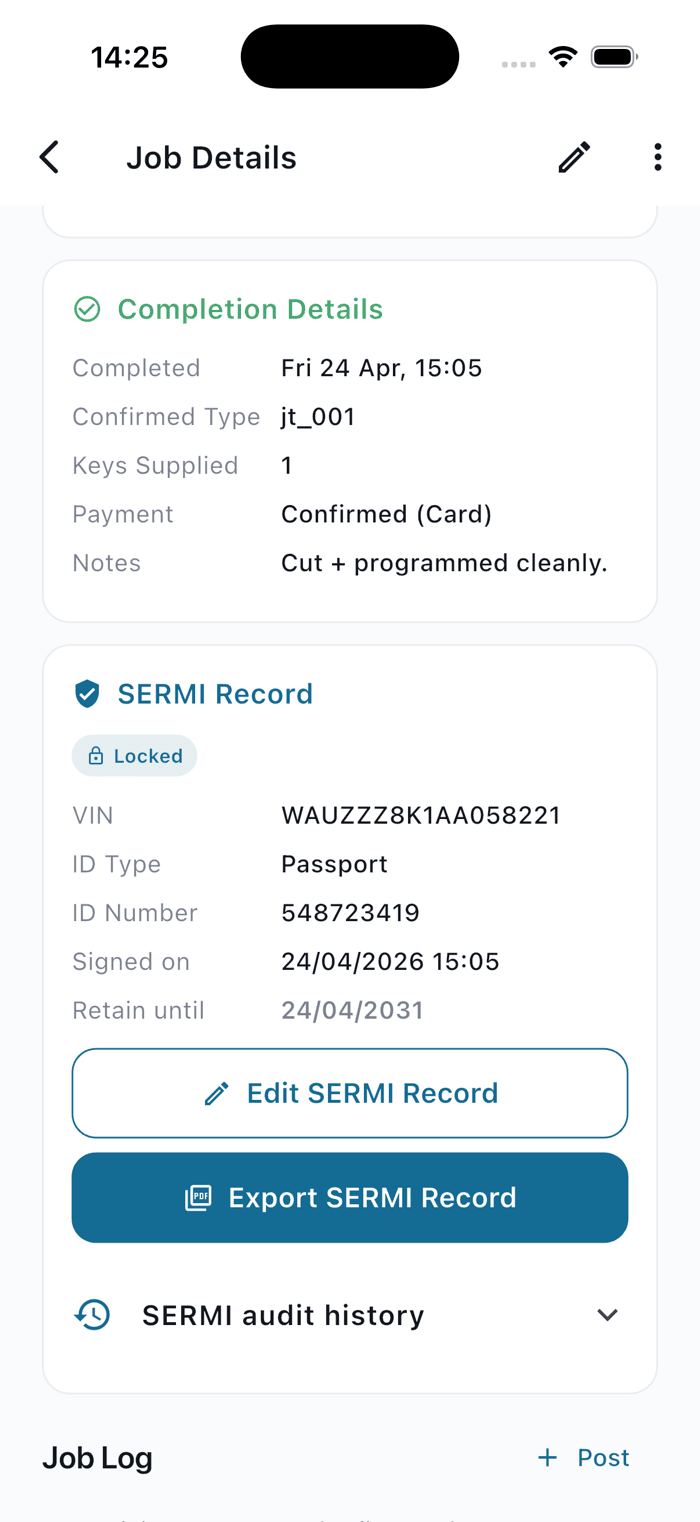
- Step 1
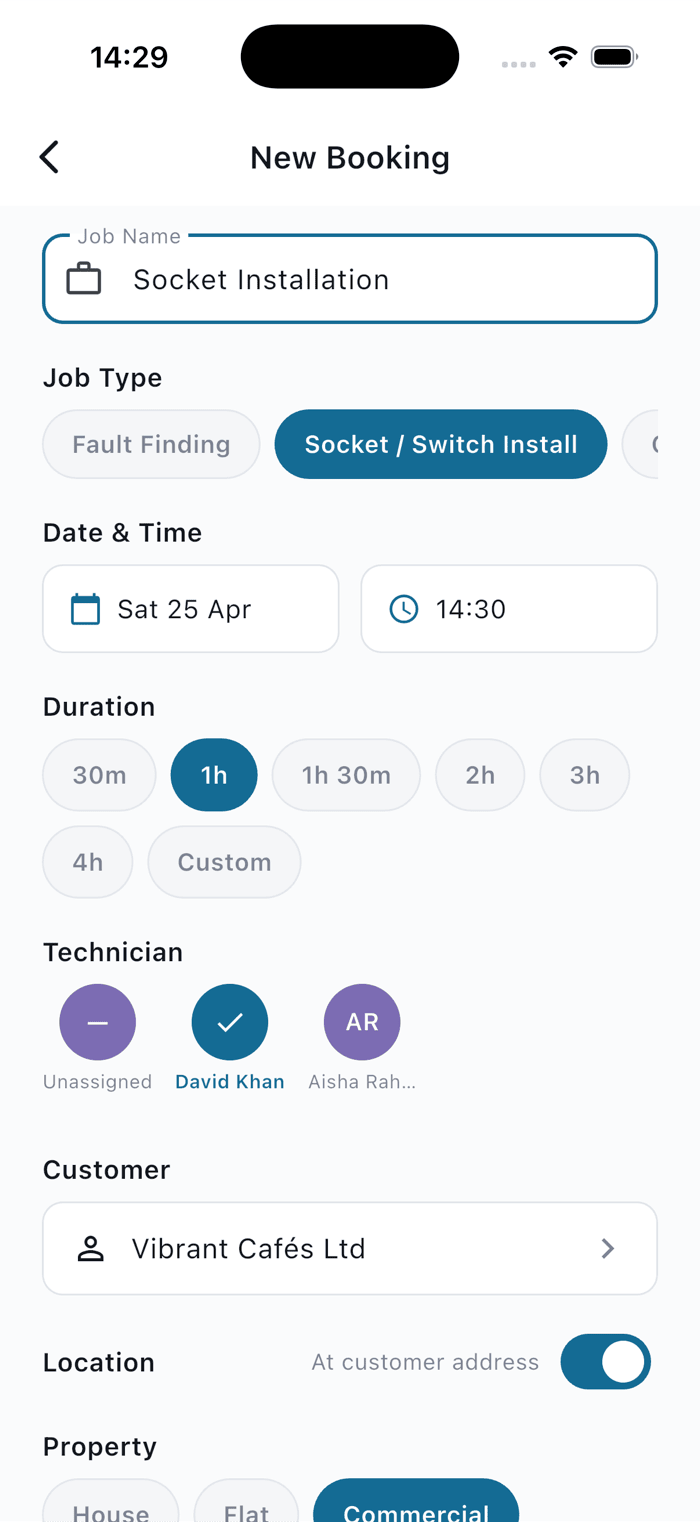
Book it in under a minute.
Tap a time slot, pick a customer (or add one on the fly), choose a job type, assign a technician. Done.
- Step 2
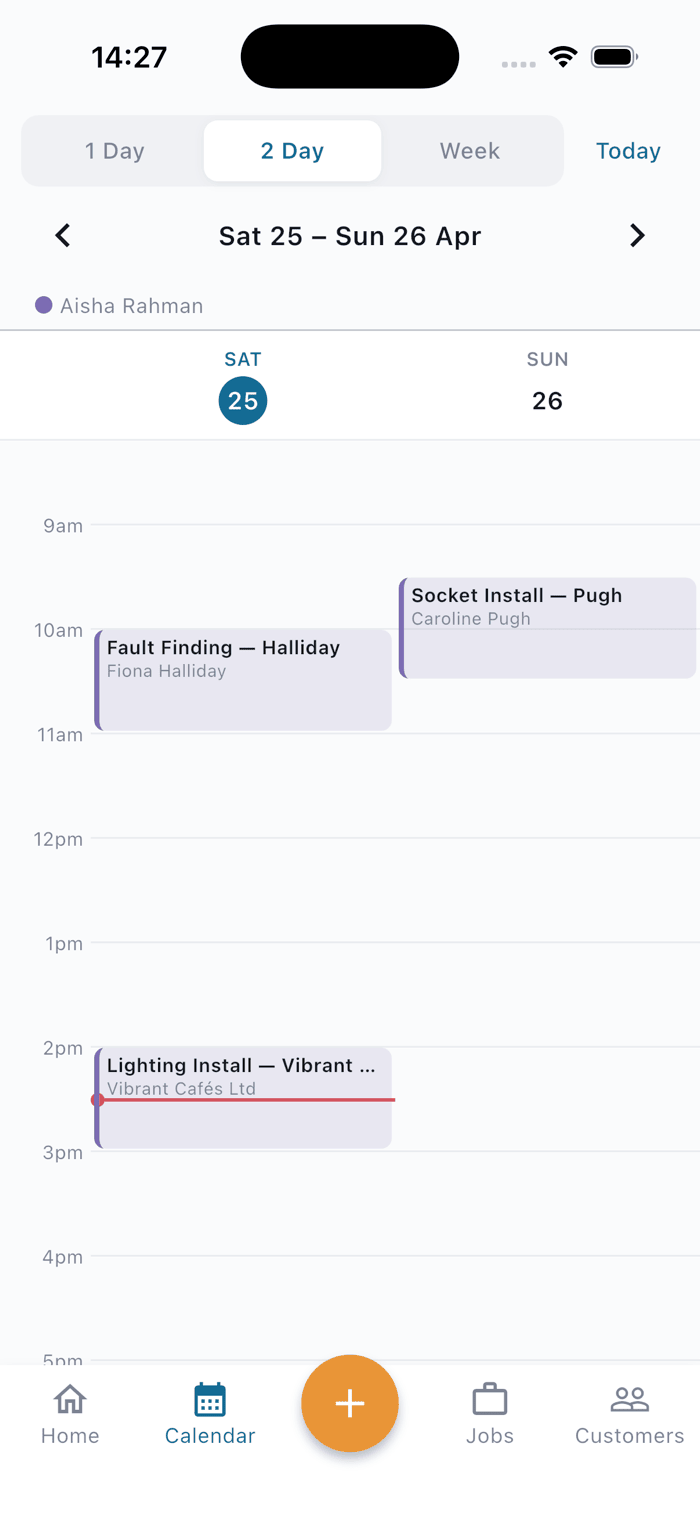
Everyone knows who's going where.
The calendar updates on every device the second you dispatch. Push notifications go out to the assigned tech automatically.
- Step 3
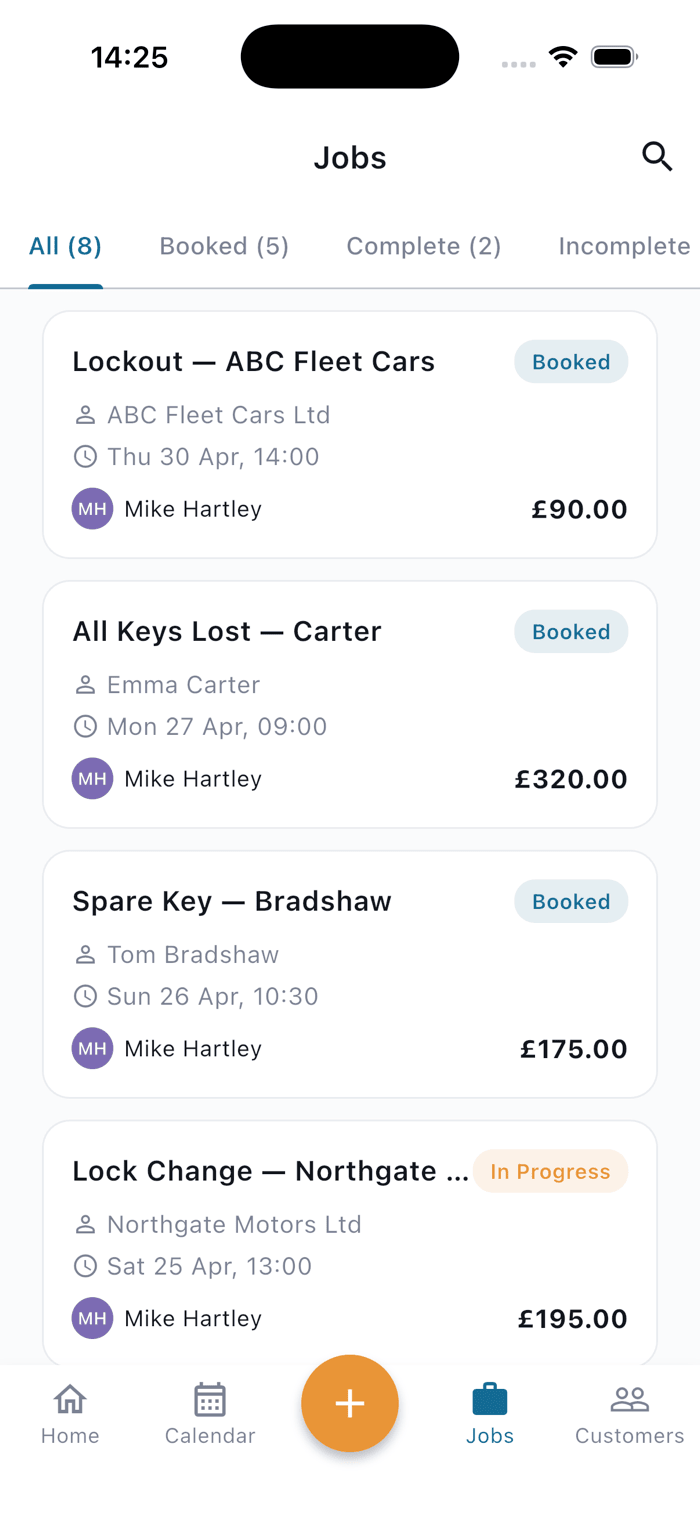
On site, on schedule.
Your tech sees only what they need: their day, the customer's address, any notes left for them. One tap starts the job.
- Step 4
Complete it, properly.
Photos, notes, customer signature, price, payment method. Captured on site, synced instantly back to the office.
- Step 5
Audit-ready, automatically.
For regulated trades like Auto Locksmith, SERMI records are captured alongside the job and retained for five years, no extra paperwork.
Book. Dispatch. Complete. Audit.
Most field service apps drown a tradesperson in fields and tabs. TeamDispatch is built around the four things that actually happen in a trade day — nothing else.
Book a job in under a minute.
Tap a time on the calendar, pick a customer (or add one inline), choose a job type from your trade’s template, and assign a tradesperson. The booking form changes per trade — an Auto Locksmith books a job differently to a plumber, so the fields adapt.
Dispatch jobs to technicians without phone tag.
The moment you assign a job, the assigned tradesperson’s phone receives a push notification. Their calendar updates instantly. The Manager and any Office Staff sat at a desk on the web app see the same calendar in real time. No spreadsheet attachments, no group chats, no lost messages.
Book and dispatch jobs from phone — complete them there too.
On site, the tradesperson taps Start, does the work, then taps Complete. Photos, notes, customer signature, payment method, price — captured on the device, synced back to the office without anyone re-typing anything. A second technician can post Job Log photos and updates so the office sees what’s happening as it happens.
A complete record, not a paper trail.
Every change to a job — reschedule, reassign, status flip, SERMI edit — is stamped with who did it, when, and what changed. For Auto Locksmiths, SERMI audit records (V5 + customer ID + signature) are retained for the full 5-year period and exported as a one-tap PDF. No spreadsheets, no “wait, when did we book that?”
Pick a trade and see the specifics.
Every trade has its own booking fields, completion checklist, and compliance shape. Here are the deep-dives.
-
Auto Locksmith
SERMI-ready audit trail, 5-year retention, V5 + customer ID capture.
Read more -
Plumber
Emergency callouts, planned fit-outs, parts tracking.
Read more -
Electrician
Competent Person Scheme capture, NICEIC / NAPIT / ELECSA-friendly.
Read more
See the full feature breakdown on the features page · ready to start? See pricing .
Ready to retire the spreadsheet?
Start your free trial in under a minute. Set up your team, book your first jobs, and see if it’s a fit — with the iPhone or Android app on hand whenever you’re on the road.
30 days free · from £30/month · cancel any time
Or get the mobile app